Štítek: application

How does sheep work with Android?
image

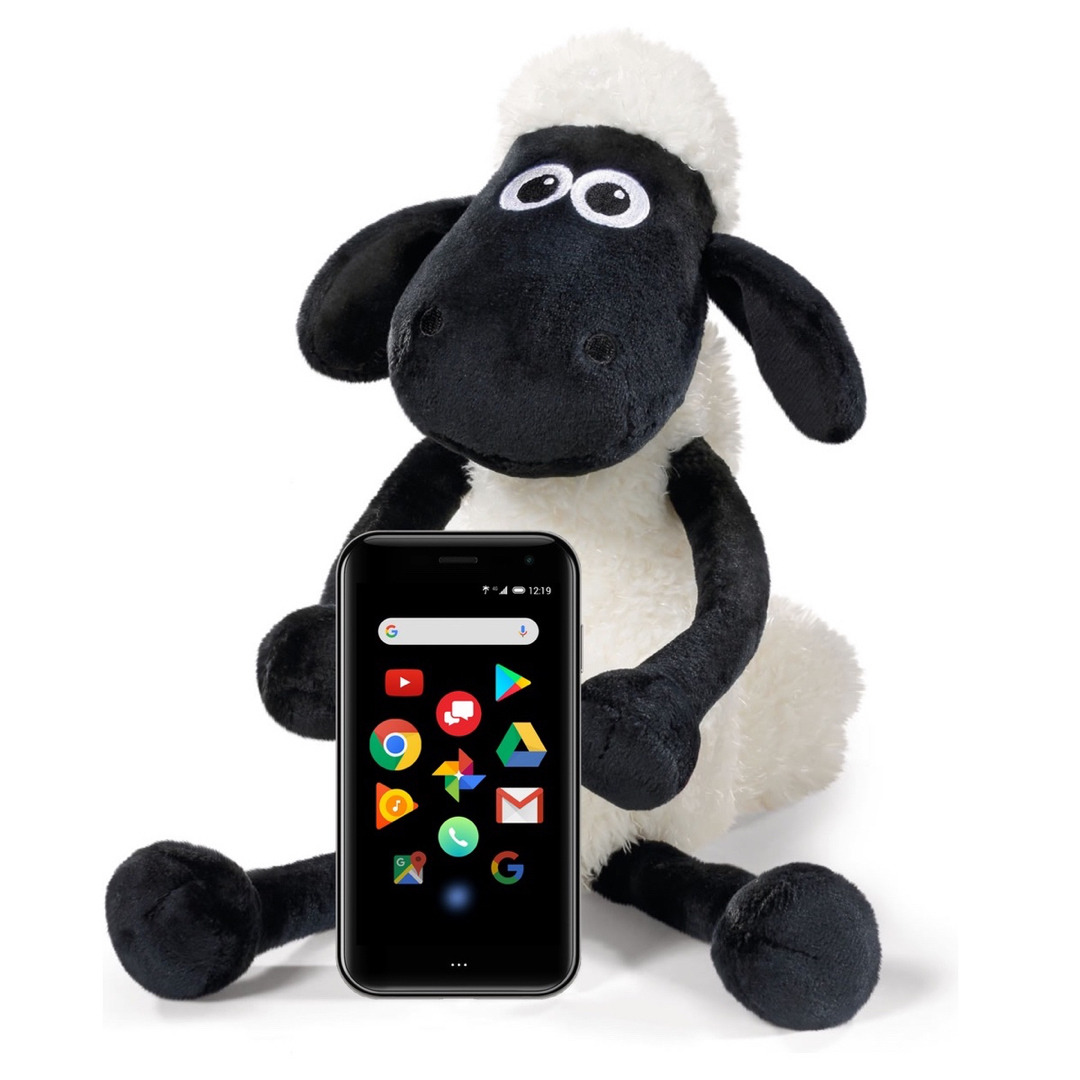
Yes, I’m an Apple Sheep. I have an Apple iPhone since 3G, and I’m pleased with those phones. Well, I’m happy with the controls, features, and applications, less with the trend of increasing the size and weight of the device. The dimensions of the current iPhone XS or even XS Max are almost no longer the size of the phone, but the tablet, and the weight rather not talk about it… d8-D

The growing size and weight, when the phone in your pocket almost pulls your running pants off, was an impulse to look for something smaller and lighter, and when I saw and touched Palm, I knew it was a device that I would like as a complimentary phone enjoyed.

But I was somewhat worried about how I get to know the Android OS, the 8.1 version of Oreo on Palm because the last time I saw this OS in version 2 something that didn’t work very well.

However, using Palm is not fundamentally different from iPhone X or XS. The lower three-button Back, Home and Overview buttons and one, two, or long taps are the things I can get used. Controlling the volume, creating a screenshot, and other controls that come out from the top of the display are de facto identical to the iPhones.

As far as applications are concerned, almost all applications, including Apple Music, which I commonly use, are also available on the Google Play Store, so Twitter and Reddit clients have proved to be the only problematic application. I use Tweetbot and Apollo on the iPhone, but these are only available for iOS. On Android, however, I found a replacement in the form of Fenix2 and Boost, and I’m happy with them as well as with the originals.

Finally, I kept the delicacy that everyone is using on iOS and has the potential to discourage it from Palm - it’s messages, respectively iMessage. This part of iOS is not and probably never will be on Android, but there is a way to get around it through the AirMessage application, which works very reliably and about which I write more in another post.

So when it comes around and around, Apple sheep do not have to worry about Palm. Both the device and the operating system are very similar, and I have not found anything essential to prevent me from using Palm. So I recommend Palm to you…d8-D
Číst dál

digital distraction & digital detox

image

Recently, I have seen that several websites are beginning to talk about two terms - digital distraction and digital detox. Both are related, and this is also associated with phones and Palm.

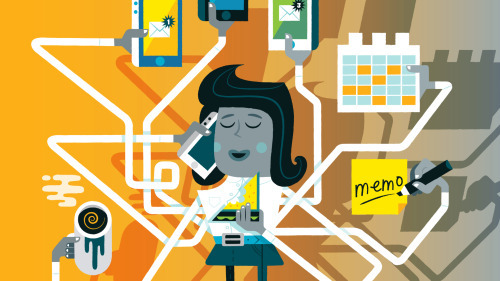
Digital distraction is a situation when you are always digitally distracted, something that has not been here before and came recently, with smartphones and application notifications. The silly phone just interrupted you with a loud ringing or a Morse tone with an SMS alert. Today, however, we have in smartphones dozens, hundreds of applications, and each one thinks that it is the most important thing and that you have to track it on your mobile. This results in you being ripped continuously out of your concentration by beeping messages and a blinking cell phone display.

Digital detox is often described as a rest from digital technologies in general. You just use all the courage, throw away your cell phone and go out without it, ideally on a deserted island outside of any known civilization or deep in a military area where there is no signal anyway, so even if you take your cell phone there, you could use that just for  taking a picture.

But the good news is that these two expressions are actually two counterparts, 2 extremes, and it is up to us to find our comfort zone somewhere in between. We can do this, for example, by determining which applications and notifications are critical to us, and only not allowing others on our phone.

But we can also say that our free time is so precious to us that we do not want any applications to bother us, or even anyone else by calling to us (you know different offers, surveys, etc.) and that is where Palm can help.

In fact, with Palm, you can simply switch off application notifications, incoming calls, by activating Life mode.  Most importantly, you can keep your big expensive phone at home and on exercise, running, cycling, or just walking with your loved ones taking a small and lightweight Palm, which you use only when you really want to, and not when someone else wants to.

And that’s the mission Palm company is trying to fill with its Palm phone.

Illustrations: Tim Bradford

Číst dál

How does Verizon connect Palm and main phone?

You may be wondering how Verizon is implementing the connection between the main phone and the Palm, that not only phone calls but also messages passed between phones. In this blog, we’ll try to figure out…d8-D

So be aware that Verizon will combine the phone’s main phone number and Palm with its internal settings (somehow they need to earn those extra U$10 a month), ensuring both incoming and outgoing calls from both devices under the same phone number, leaving only news.

[video nedostupné] https://youtu.be/DtRo4cuiKaw

Message synchronization is through the Message+ application, which sends messages between the two devices after synchronization, regardless of whether your main phone OS is Android or iOS.

However, it is true that iPhone users need to perform one painful procedure for proper synchronization: they must turn off iMessage and FaceTime, which may not be everyone’s taste.

[video nedostupné] https://youtu.be/0or7Hzjlsl0

If the video is not ideal for you, the setup process also describes Verizon Knowledge Base.

Číst dál