Mountain Lion
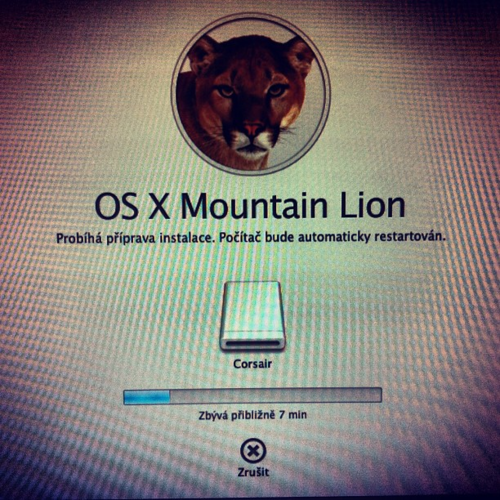
Shot with: Instagram for iPhone Filter: X-Pro II

Shot with: Instagram for iPhone Filter: X-Pro II
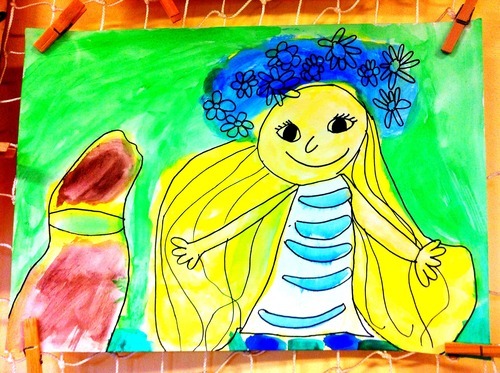
Shot with: Camera+ for iPhone Scenes: Portrait Crops: - FX Effects: Vibrant Borders: -

Shot with: Panorama Camera for iPhone
Edited with: Camera+ for iPhone Scenes: Clarity Crops: Golden FX Effects: Lo-Fi Borders: -
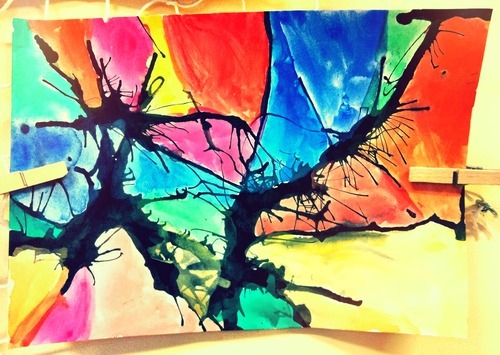
Shot with: Camera+ for iPhone Scenes: Clarity Crops: Freeform FX Effects: Diana Borders: -

Shot with: Camera+ for iPhone Scenes: Darken Crops: Golden FX Effects: Contessa Borders: -

Shot with: Camera+ for iPhone Scenes: Fluorescent Crops: Golden FX Effects: XPRO C-41 Borders: -
Last friday was released new version of Instagram, version 2.1. You can find there only a few improvements, but I think that new Lux is really good, it is very similar to Clarify in Camera+.



What's New in Instaram Version 2.1:
New: - Lux: a new way to enhance your photos - Simplified and improved design - New filter: Sierra
Improved: - Change your profile photo from your profile page - Tap on push notifications to go straight to the photo

Shot with: Camera+ for iPhone Scenes: Scenery Crops: Golden FX Effects: Magic Hour Bordets: -

Shot with: Instagram for iPhone Filter: X-Pro II

Taken at Deggendorf